User Testing and Thirteen Ways of Selling a Book
It is commonly known that user testing (and evalutation) should start throughout the early stages of development of a website. It is cost-effective when these tests are conducted in the right point of development but that doesn’t mean you should stop testing once the website goes online.
I wrote an article (Fading navigation on the Google homepage) about this before, using the Google homepage as an example. Google is constantly testing the usability of their website, this to insure that the interface is optimized for the most important and frequent tasks.
Usability test on e-commerce websites
E-commerce websites surely benefit from testing continiously because it can lead to an increase of revenue. Amazon’s annual revenue sky-rocketed by $300 Million by tweaking the buttons of their checkout form. This small change had a huge impact for the entire checkout where visitors experienced a much easier and user-friendlier buying process. You can imagine that these changes didn’t happen overnight, on the contrary, it took a lot of efford, time and money. By conducting usability tests, the researchers discovered the problem and step by step they came up with a good solution.
Smashing Magazine
A while ago I was going through the articles of Smashing Magazine and I came across a nice and simple example of A/B testing. The idea of A/B testing is rather simple, banner A is shown to 50% of your visitors and banner B (a variation of A) is shown to the other 50%. This gives you the possibility to research the conversion rate of each banner separately. In our example of Smashing Magazine, I’ve found not 2 but 13 variations of a banner which promotes their book. Although 13 different versions seem to be a lot, it is a common practice.
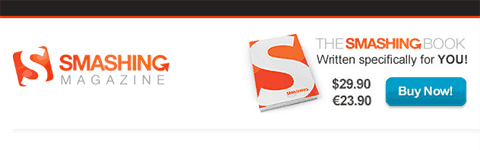
Mentioning the price and a big blue call-to-action button.
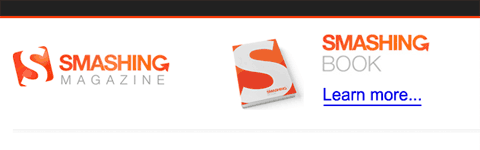
An obvious blue link.
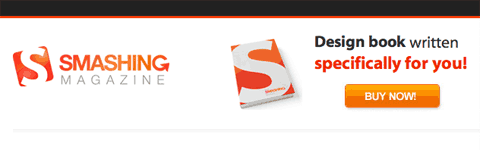
Bold font and an orange coloured button.
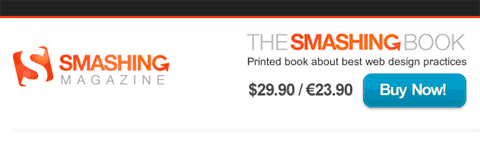
Mentioning the price and a big blue button.
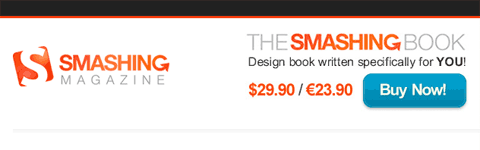
The price is mentioned in a red colour and a clear blue button.
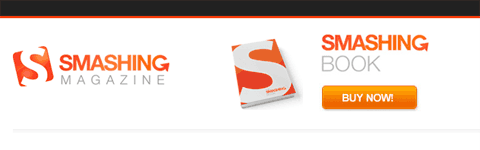
A big and orange coloured button.
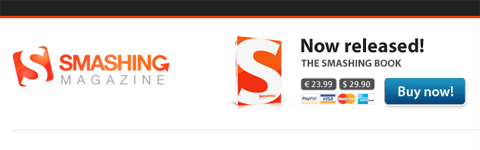
The price is mentioned and using a dark blue button.
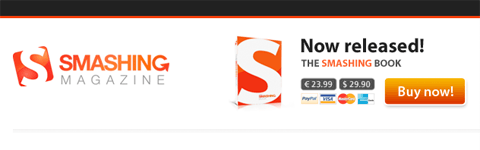
Mentioning the price and an orange button.
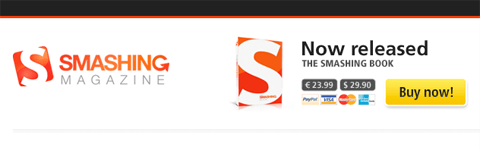
The price is shown with a yellow button.
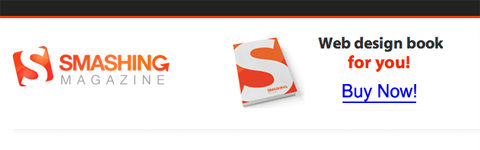
A big blue link should do the trick.
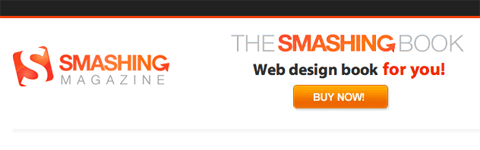
Bold font and a big orange button.
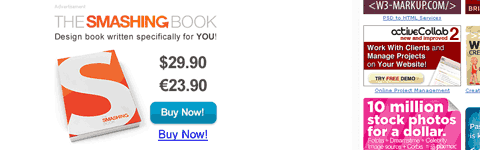
A bigger version of the banner, shown inside an article… mentioning the price, a clear blue link a big blue button.
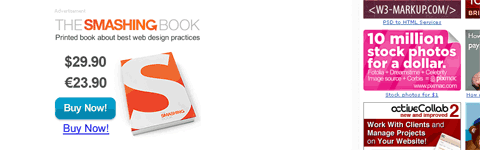
A variation of the previous one.
Smashing Magazine is not using the typical A/B testing method (showing only one banner to a visitor), instead they are showing all 13 banners randomly to all visitors and that is not a bad idea. By variating colours, dimensions, images, price tags, … all the banners seem to have a different topic and therefore people keep reading the message (or at least quickly scan it). I believe this is a nice solutions against ad-blindness and a way to keep the design fresh.
All these banners were found on the website of Smashing Magazine itself, but I also found an example of an offsite banner on the website of Six Revisions. I pretty much guess that SM will only have a few formats, if someone can find some other examples, I’ll be more than happy to receive an email from you!
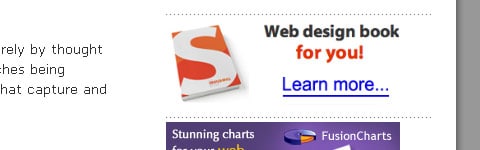
An offsite banner on Six Revisions.
Just a little side-note: this article is not intended to promote the Smashing Magazine Book, although I’ve read some good reviews about it.
Conduct your own tests
If you’re interested in conducting your own A/B testing and you’re using WordPress for CMS, I can highly recommend the video of Ryan Carson on Treehouse. Using Google’s Website Optimizer, Ryan explains step by step how to conduct a simple test.
What you should read next




Great example and explanation. Your depiction of so many graphic variables gives readers an excellent glimpse into how to be more, or less, attention getting.
@Mari: Hi Mari, nice to hear that you enjoyed the article!